Home » Technology » Asus TUF GAMING B850-BTF Review
Google continues expanding the integration of its AI-powered assistant Gemini, and the shift has become especially noticeable on Android smartphones.
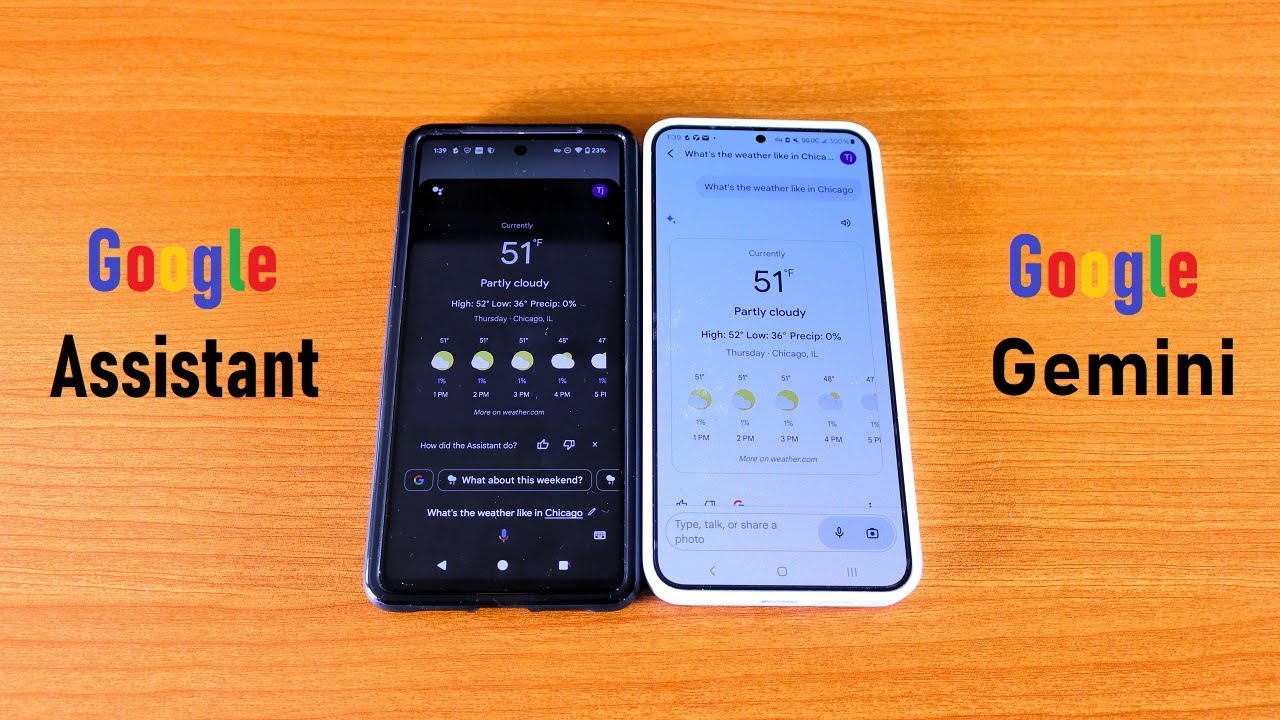
Several users report that they can now switch from Google Assistant to Gemini directly on their devices. More importantly, Android users are now able not only to activate Gemini but also set it as the default assistant, suggesting Google is preparing for a full transition. This is further supported by updated app icons, which now reflect Gemini branding instead of Google Assistant.
If your device doesn’t have Google Assistant installed, downloading it from the Play Store will automatically install it with Gemini AI included. However, the app will appear under the name Gemini. If you also download the standalone Gemini app, your applications list may show two Gemini icons simultaneously.
Opening the Gemini installation that appears after downloading Google Assistant still allows you to revert back to Assistant settings, switching the icon and functionality back if needed. In many cases, though, after updates, the Assistant app automatically transforms into Gemini without the user intervening.
Some users who have already switched note that Gemini currently lacks full integration with Google services, meaning it cannot search within the Google ecosystem or access saved account-based information like Assistant could.