Home » Technology » Asus TUF GAMING B850-BTF Review
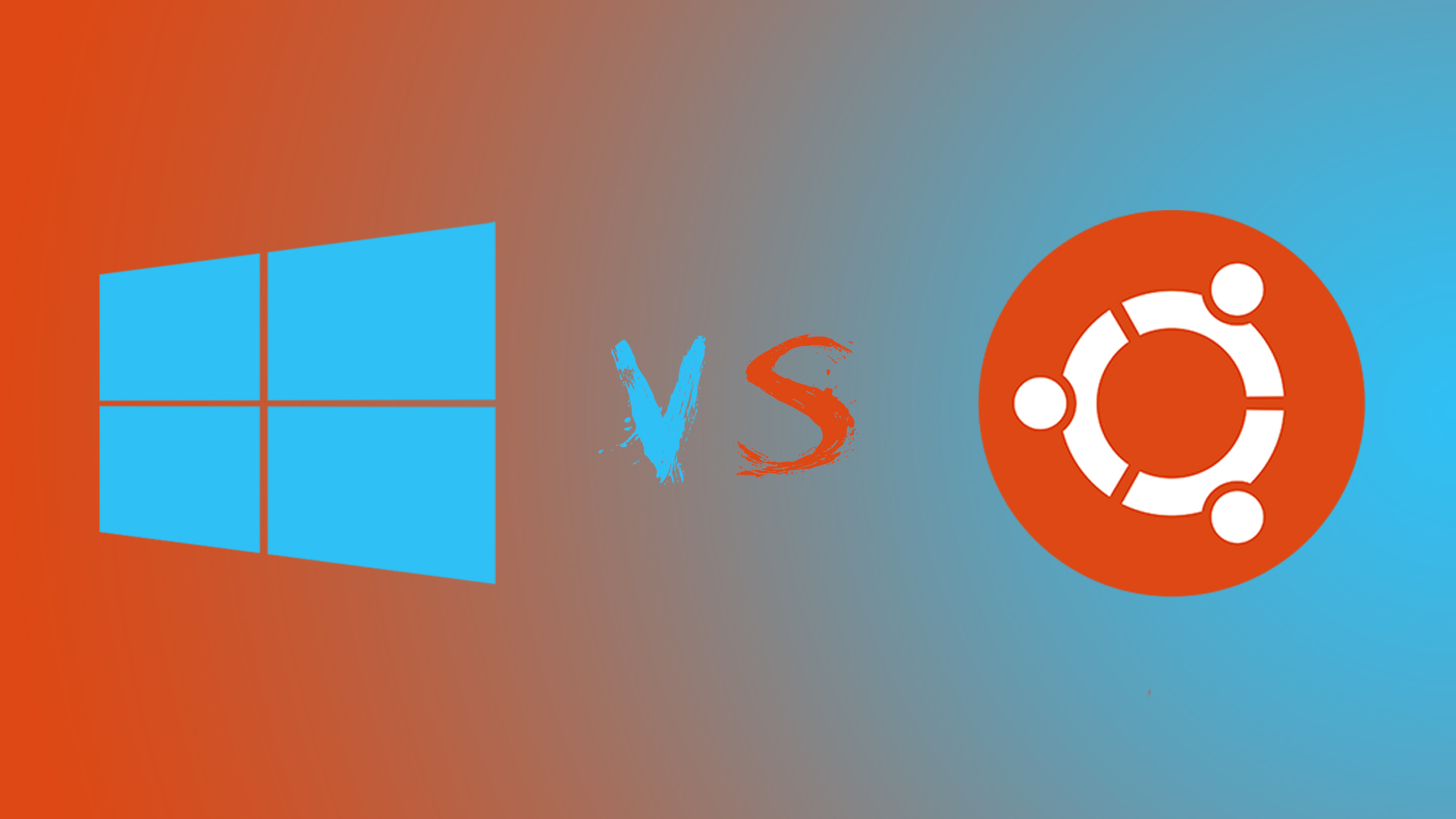
We use our computers every day to boost our productivity. For many, the standard for stability has long been Windows 7. We like it because it has everything necessary for usage, ranging from business applications to gaming. Its software, developed by Microsoft, is accessible to us in a single click. Microsoft boasts a massive team of developers and a huge user base; if you have a question about the OS, someone has undoubtedly asked it before and received an answer.
However, we dislike Windows due to its exorbitant cost. You often have to pay for individual applications, and Microsoft constantly verifies the license of its “operating system,” which isn’t very pleasant. Furthermore, it is often unstable and vulnerable, as there is a massive number of viruses targeting it. I likely don’t need to remind anyone about the “Blue Screen of Death.”
Also, consider the insane resource usage by the system’s various background software. Our 6 GB of RAM and terabyte hard drive seem to vanish instantly. Not to mention, the system is quite difficult to fine-tune to one’s personal needs! The choices are fairly limited.
My favorite alternative to Windows is an open-source OS called Linux Mint.
The foundation of this free OS is built on Ubuntu. The package includes enough software to cover the needs of most users. Believe me, this operating system is fast and requires fewer resources than Windows to maintain on a hard drive. Some might encounter difficulties during installation, but once done, it will serve you much more stably, and you won’t be made a fool of—there are virtually no viruses. You won’t be supported by a multi-billion dollar corporation if problems arise, but Linux Mint has a dedicated community of users who are happy to help solve issues for newcomers.
Many users believe that Linux works solely through the command line, but you do not have to use it if you don’t want to. Some users utilize it simply for its speed. Installing software is very simple on Linux: go to the Software Manager, choose what you need, and the system does the rest. With one easy click, you can update all software, including the operating system itself.
Since most software shares a similar interface, it saves space on your hard drive. Compared to Windows, Linux is incredibly easy to customize to your specific needs.
The Downsides The downside of switching from one OS to another is the lack of specialized software, especially for gaming. This is largely because Linux occupies only 1-2 percent of the personal computer software market.
It is worth adding that not many developers write software products for Linux. It truly lags behind in access to multimedia software, automation systems, and, of course, new games. Usually, alternative OSs exist for the same tasks, but there is often a lack of specific applications to make the system feel “complete.”
The Verdict All things considered, I give Linux a 4 out of 5 as an alternative to Windows.
It is ideal for those who simply wish to browse the Internet, watch movies, and play browser-based games. Personally, I do not switch completely to Linux primarily due to the lack of software support for modern PC games.