Home » Technology » Asus TUF GAMING B850-BTF Review
The modern market is filled with a wide variety of products, so we decided to help you choose by compiling a list of the best gaming mice in 2024. We selected top models suitable for different game genres and various budgets.
When choosing a gaming mouse, it’s important to consider several criteria. Every player wants to get the maximum enjoyment out of their gaming accessory. Manufacturers offer many options, and the main factors include:
Shape and weight
Type of connection (wired, wireless, hybrid)
Number of additional buttons
Sensor quality and features
Other components
Price
To understand what kind of gaming mouse you need, it’s important to determine what tasks it should perform, especially considering your gaming preferences. Characteristics may vary depending on the game genres you play, but your budget will also play a major role.
The question of what makes a mouse comfortable has no universal answer. Everyone’s hands are unique, so choosing the right shape and weight should be an individual decision. There is no single option that works for everyone!
Ultralight mice weighing just 60–70 grams are becoming increasingly popular. These devices are especially appreciated by professional players because they make it comfortable to spend hours at the computer without causing fatigue.
On the other hand, heavier mice (90+ grams) usually offer more customization options, including a larger number of buttons — ideal for players who actively use macros. Some even offer adjustable weight with small “weights.”
However, the main factor remains the shape of the mouse. Each manufacturer offers multiple shape variations, making this a crucial part of the selection process. For example, Razer:
Razer DeathAdder — asymmetrical and ergonomic
Razer Viper — slim and symmetrical
Razer Naga — large, heavy, and equipped with many additional buttons
Razer Basilisk — ergonomic, asymmetrical, with a comfortable thumb rest
Another important aspect is the way you hold the mouse:
Palm grip: One of the most common grips where the hand rests fully on the mouse. These models are usually large and ergonomic. Although comfortable, they may not be the best option for those seeking maximum precision.
Claw grip: The hand arches, reducing contact with the mouse. These mice are typically shorter, providing sharper movements. This grip is popular among RTS players.
Fingertip grip: A rare type of grip. Mice designed for this grip are lightweight, shorter, and feature a noticeable curve.
Optical mice are the best choice for gamers due to their versatility and adjustable DPI (mouse sensitivity measured in dots per inch). They are considered optimal for gaming.
What DPI values are needed for comfortable gaming?
It’s important to understand this to determine whether a mouse is worth buying. For everyday use, 3200 DPI is enough. However, for gaming, it’s recommended to choose models with higher DPI ranges. Some models offer up to 16,000 DPI or more, but the ideal choice is around 8000 DPI.
It’s also essential to consider that players, especially FPS fans, often use 400–800 DPI for better precision.
Additional criteria important for advanced users include:
Polling rate: how many times per second the mouse checks its position. Optimal: 500–1000 Hz.
Acceleration: the force the mouse can withstand before the sensor loses tracking. Optimal: around 20 g.
IPS (inches per second): maximum speed at which the sensor can track movement. Optimal: 200–220 IPS.
Popular Gaming Mouse Ratings
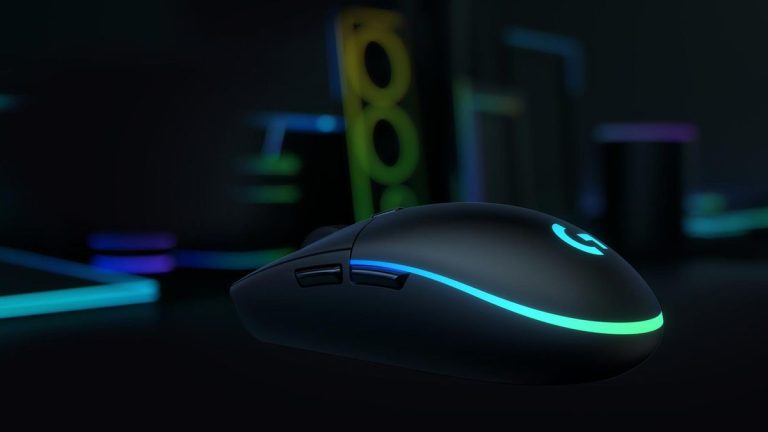
Logitech G102 Lightsync: Best for the Money
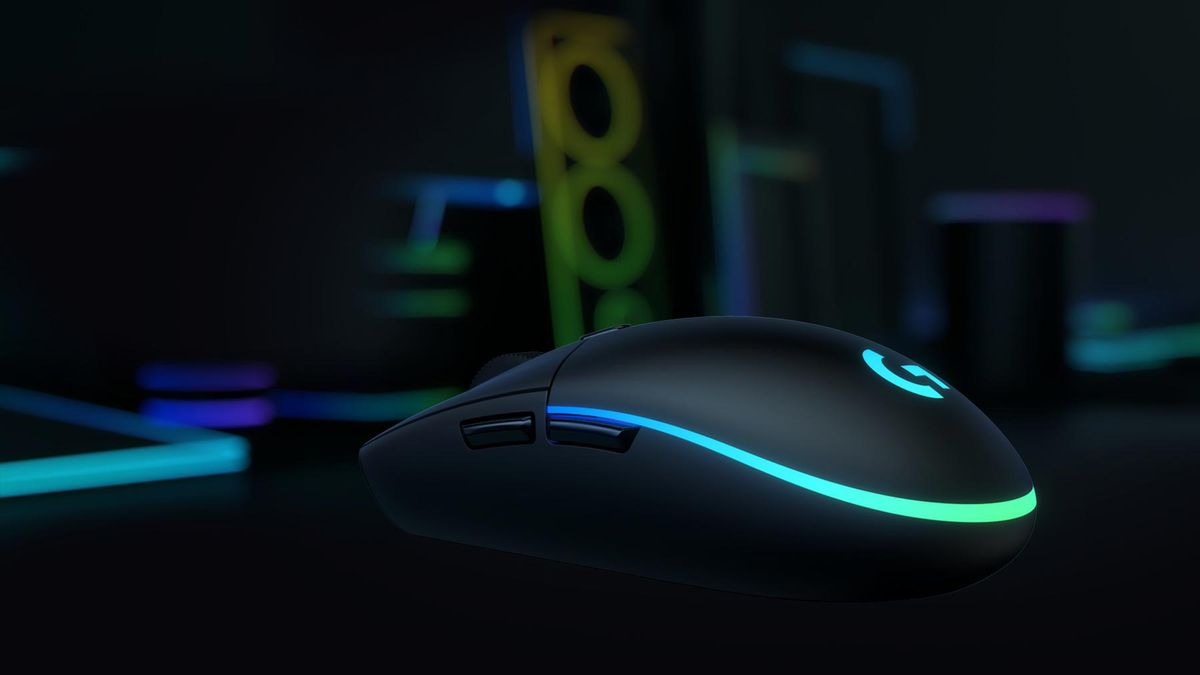
We begin with a legendary option among budget gaming enthusiasts — the Logitech G102 Lightsync. This mouse proves that you don’t need aggressive shapes or premium sensors to enjoy gaming.
The model features a symmetrical, minimalistic design that fits both large and small hands. With RGB off, it can easily be mistaken for an office mouse. It differs from its predecessor thanks to Lightsync lighting, customizable through Logitech’s G HUB software.
The Logitech G102 Lightsync features a Mercury optical sensor with up to 8000 DPI, a 1000 Hz polling rate, and excellent durability. Price: about 1299 UAH.
There is also a wireless version — the Logitech G305 — with an identical design but no lighting. It runs on a single AA battery (a pro for some, a con for others due to rear-heavy balance). Battery life is up to 250 hours depending on the battery brand. The connection type — USB (radio channel) — is the most stable for wireless mice.
Pros:
Beautiful Lightsync lighting
Good Mercury sensor
Attractive design
Cons:
AA battery
Rear-heavy weight balance
Razer DeathAdder V3 PRO Wireless: Excellent Ergonomics
A mouse from a well-known gaming brand, the Razer DeathAdder V3 PRO Wireless appeals even to the pickiest users. Although relatively new, it has already proven its reliability.
Compared to older models (V2 and wired DeathAdder), the V3 PRO has a slightly updated shape — narrower and smaller, yet still extremely comfortable. As with most ergonomic mice, it is made exclusively for right-handed users.
The mouse features the flagship Focus Pro 30K sensor with an incredible 30,000 DPI and Optical Mouse Switches Gen-3. It supports Razer HyperSpeed Wireless and wired Speedflex connections. Battery life: up to 90 hours per charge.
Its sensor now has 99.6% resolution accuracy and significantly faster wireless connectivity — 25% faster than most competing wireless technologies.
Price: 6,499 UAH.
Pros:
Up to five profile slots
Extremely accurate 30K sensor
Improved ergonomic shape
Cons:
Right-handed only
High price
Razer Naga V2 Pro Wireless: Best for MOBA & MMORPG
If you’re an MMO or MOBA fan, the Razer Naga V2 Pro Wireless is the perfect choice. This model features replaceable side panels with 2, 6, or 12 buttons—held securely by magnets. It also includes stylish gamer-focused RGB lighting on the logo and scroll wheel.
The mouse uses the Razer Focus Pro sensor with up to 30,000 DPI, 750 IPS tracking speed, and 70 G acceleration—fantastic specs.
Though not as popular as other Razer models, it’s ideal for gamers who love macros and extensive customization.
Pros:
Up to five configuration profiles
Cutting-edge 30K DPI sensor
Excellent customization
Swappable side panels
Cons:
Right-handed only
High price
Logitech G502 X Plus Wireless: Futuristic Design
The Logitech G502 X Plus Wireless is an ergonomic masterpiece. Similar in shape to the iconic MX Master 3, it is designed specifically for gaming and features the Hero 25K DPI sensor, hybrid Lightforce optical-mechanical switches, and eye-catching 8-zone RGB lighting.
It is a successor to the G502 Lightspeed with major improvements. If RGB isn’t essential, you can save around $20 by opting for the G502 X Lightspeed — identical except for lighting.
Both models use Logitech Lightspeed wireless for lag-free performance, and there is also a wired version (G502 X) for those who prefer traditional connections.
One unique feature for new users is the adjustable scroll wheel mode (tactile or free scroll).
Pros:
Futuristic, ergonomic design
Hero 25K sensor
Lightforce hybrid switches
8-zone RGB lighting
Cons:
Right-handed only
High price
Logitech G Pro X Superlight 2 Wireless: Best for Esports
The Logitech G Pro series is widely known and respected. But there is an even lighter version: the Logitech G Pro X Superlight 2 Wireless.
It features the classic G Pro design and an advanced 32,000 DPI sensor. Logitech’s strong presence in esports tournaments speaks volumes about the quality of their devices.
The main reason players choose this mouse is its weight: just 60 grams. Despite being so light, it provides up to 90 hours of battery life.
Pros:
Legendary series
32K DPI sensor
Only 60 grams
Long battery life
Cons:
Right-handed only
High price
Asus ROG Keris AimPoint: High-Quality Materials
If you need a mid-budget mouse with flagship-level quality, the Asus ROG Keris AimPoint is a great choice. It looks simple at first glance, but its asymmetrical shape makes it very comfortable for right-handed users.
The build quality is excellent — premium materials with no rattling or creaking.
For a little over 4000 UAH, you get the ROG AimPoint sensor with 36,000 DPI, 50 g acceleration, and a 1000 Hz polling rate — very impressive.
Pros:
Unique design
36K DPI AimPoint sensor
Comfortable shape
High-quality materials
Cons:
Some users report difficulties with settings
Corsair Katar Pro XT: Ultra-Lightweight at a Great Price
Modern trends are pushing major companies to rethink product design — and this model proves it. The Corsair Katar Pro XT is the company’s first ultra-light gaming mouse, priced around 1,399 UAH. Despite its compact size, it weighs only 73 grams and offers wide functionality without compromise.
Although it doesn’t feature extreme specs for its price range, it is a strong competitor to the Logitech G102 Lightsync. They may seem similar, but the Katar Pro XT has a narrower back, providing better ergonomics.
The mouse uses the Pixart PMW3391 sensor with 18,000 DPI, known for precision and durability.
Pros:
Unique design
Reliable Pixart PMW3391 sensor
Only 73 grams
Attractive price
Cons:
Some users may find the shape uncomfortable